 Feewright
Never lose a billable hour.
For independent and fractional consultants who bill a handful of clients every month — on retainer, by the hour, or both. Log work in two taps the moment it happens. On the 1st, every client’s invoice is already drafted, with a summary of the work.
Free for one client. No card needed. Works on iPhone, Android and desktop.
From a quick call to a paid invoice, without the end-of-month scramble
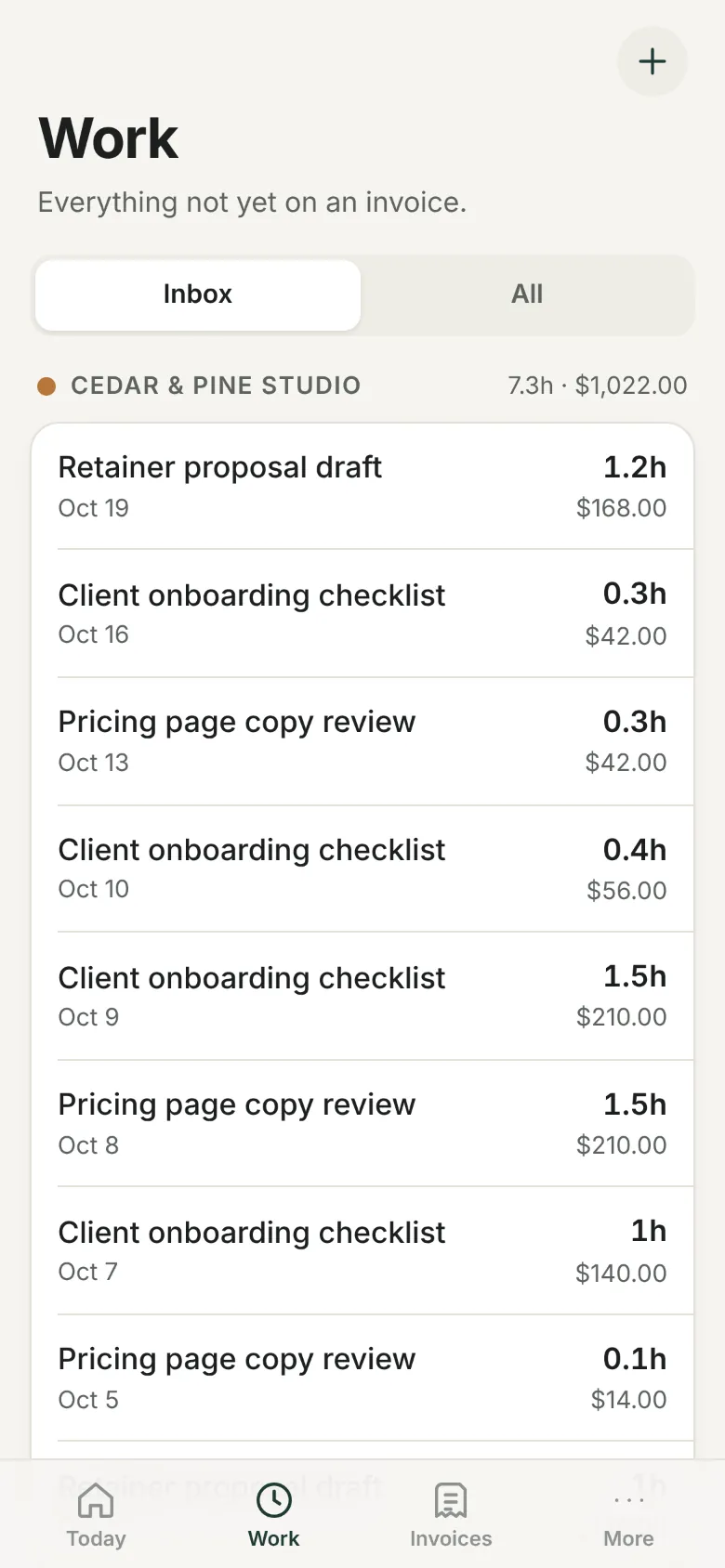
Log it as it happens
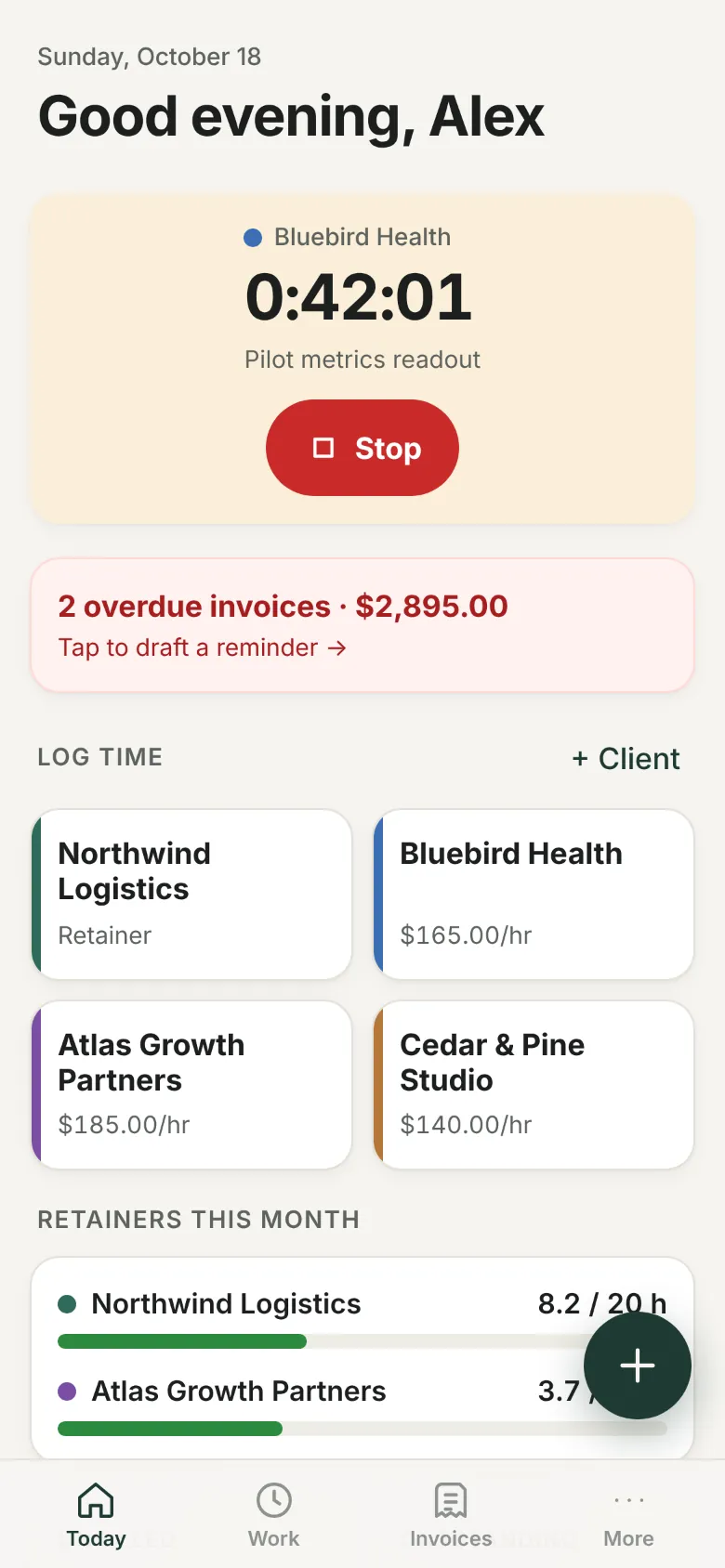
Tap the client, pick a duration, say what you did. Forgot to stop the timer? It checks in, and you set when you actually stopped.
Approve on the 1st
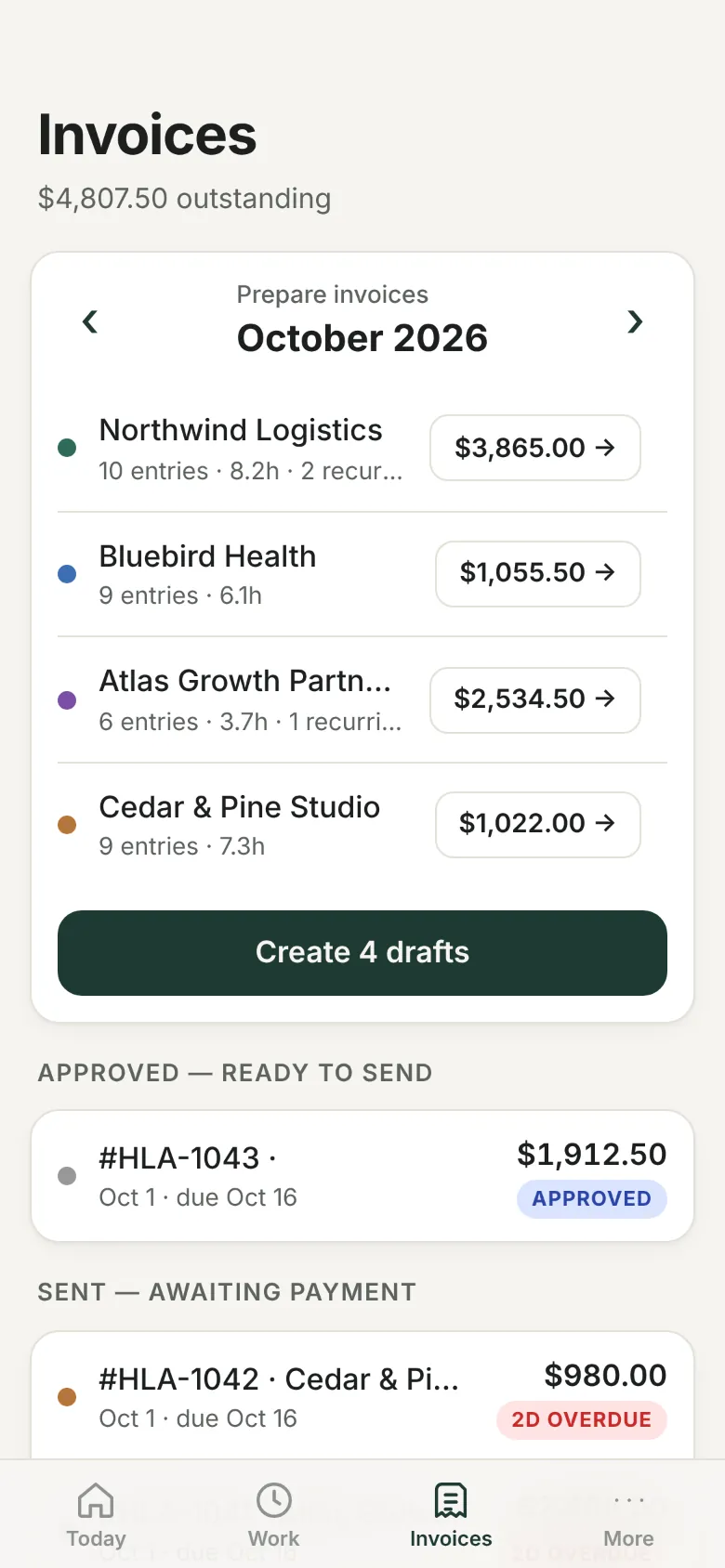
Every client’s work, retainers and pass-through costs become a draft invoice. Review the lines, then approve.
Send and get paid
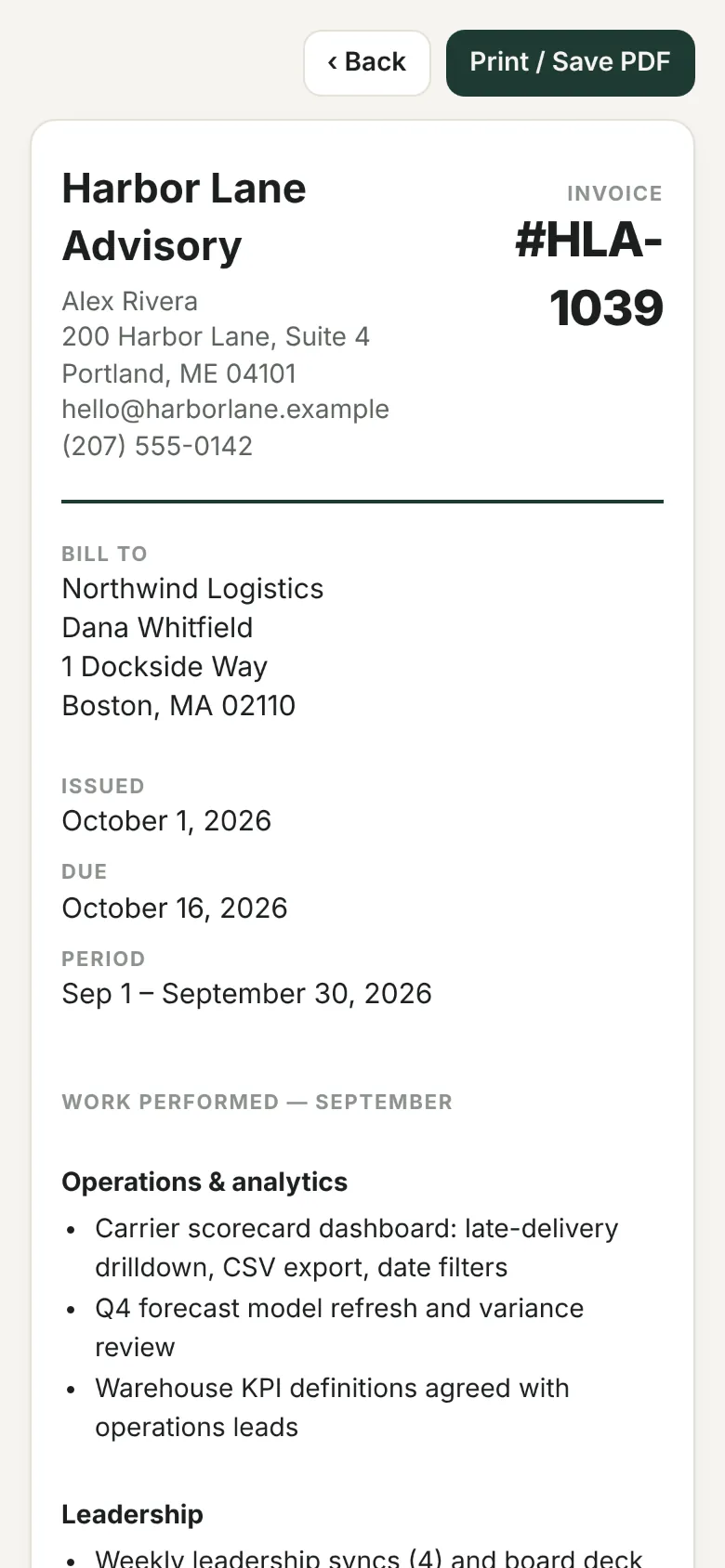
One tap drafts the email with a link to a clean, printable invoice. Overdue? Feewright drafts the polite reminder too.
What it looks like
Sample data shown.
Built for how consultants actually bill
Bill the 5-minute tasks, fairly
Feewright bills in tenths of an hour by default. A quick call is one tap for 0.1 h, so the small work you used to skip gets paid, and clients pay for 6 minutes, not 15. See the math.
Retainers that don’t creep
Set the hours a retainer covers. A meter on your home screen shows where you stand and warns you before you work for free.
Hourly, flat fees and pass-through costs
Mix rates per client, add recurring platform or software charges, and leave usage-based amounts to fill in on the draft.
A work summary that justifies the invoice
Each invoice can open with a plain-English list of what you did that month — built from your entries, edited by you. Retainer clients see the value, not just the total.
A home-screen app, not another tab
Install it in seconds. It opens straight to your clients, with a running timer when you need one.
Get paid without chasing
Overdue invoices surface on your home screen with the reminder already written. Record partial payments and see what’s outstanding at a glance.
Your data stays yours
Export everything any time. We don’t sell data, show ads, or feed your records to AI.
One extra billed hour pays for a year
Pro
or $190 a year, two months free
- Unlimited clients and invoices
- Retainers, recurring charges and the retainer meter
- Overdue reminders
- Timer check-ins and tenth-hour billing
- We import your existing clients for you
Founding member
Lifetime Pro for our first 100 customers
- Everything in Pro, forever
- Done-for-you setup
- A say in what we build next
If Feewright doesn’t pay for itself in 30 days, you get every dollar back.
Log a month of work. If it doesn’t surface at least one hour you’d have missed, email us and we refund you in full.
Questions
Is there an app to download?
Feewright runs in your phone’s browser and installs to your home screen in two taps, so updates are instant and there’s nothing to approve in an app store.
Can it handle retainers and hourly in the same invoice?
Yes. Each client can have a retainer, recurring pass-through charges and hourly or flat-fee work. Month-end drafts combine all of it.
How do invoices reach my clients?
Approve the draft and Feewright opens your own email app with the message written and a link to the invoice page your client can view or print.
I already track time somewhere else.
Send us a spreadsheet or your last few invoices. Pro and founding members get their clients, rates and open work loaded for them.
What happens to my data if I leave?
Export everything as a file with one tap, then delete your account from the app. Deletion is permanent.